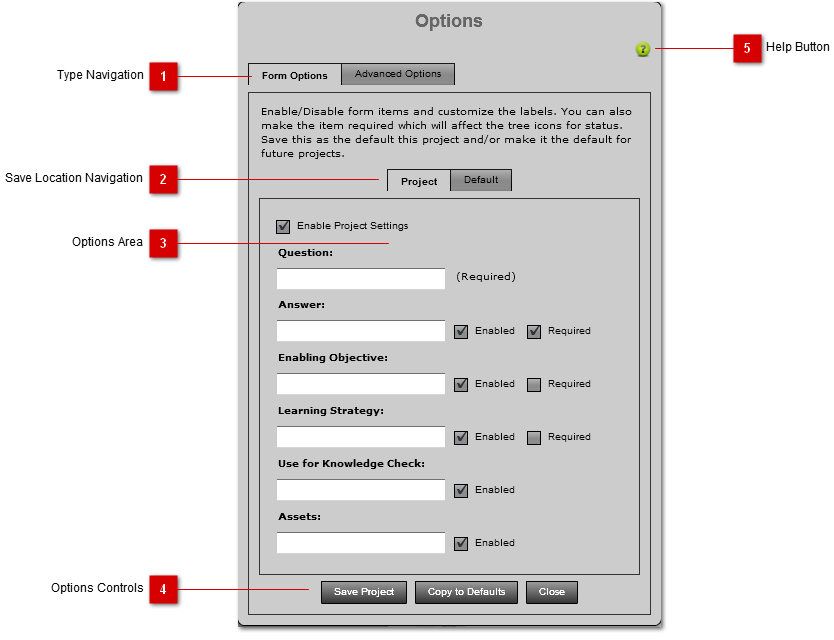
Type Navigation
|
|
 Save Location Navigation
Tab Navigation for the destination of the Options settings. Use the Project settings to only affect the current project. Use Default settings if you would like the application to default to these settings everytime unless a project has specified settings.
|
|
 Options Area
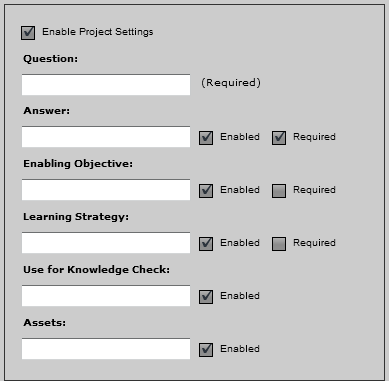
All available options will appear in the Options Area for the selected options type.
|
|
 Options Controls
Buttons and controls used to save/cancel options.
|
|
 Help Button
Pressing this button will open the context help for this panel.
|
|