Registration Panel
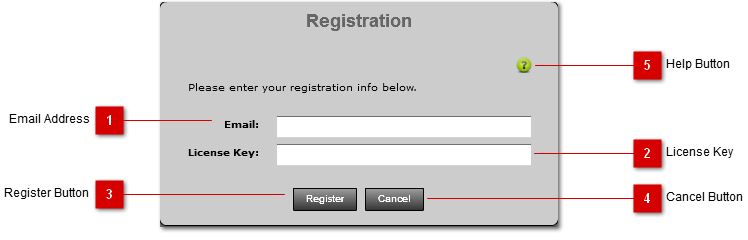
You must enter the registration information provided to register the product. Once the product is successfully registered, it will no longer be in trial mode.
Registration Panel
You must enter the registration information provided to register the product. Once the product is successfully registered, it will no longer be in trial mode.
|






