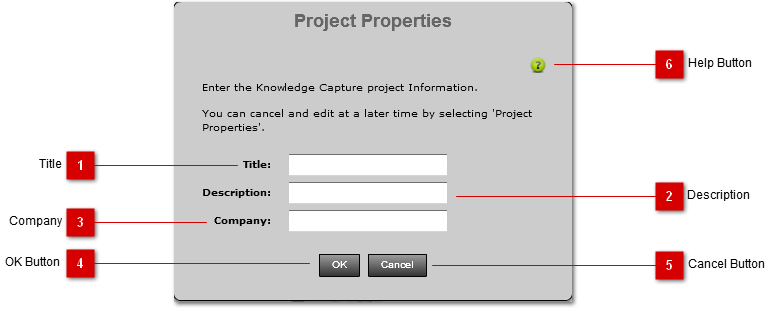
The Project Properties window allows for entering project information to be included in the published document.
 Title
Enter the title of your project. This title will be used as the title in the published document.
|
 Description
Enter the description of your project. This description will be used as the subtile of the published document.
|
 Company
Enter the Company name associated with this project. The company name will be added to the published document as a subtitle.
|
 OK Button
Pressing this button will save the project properties.
|
 Cancel Button
Pressing this button will cancel changes to the properties and close the window.
|
 Help Button
Press this button to open the context help for this panel.
|